
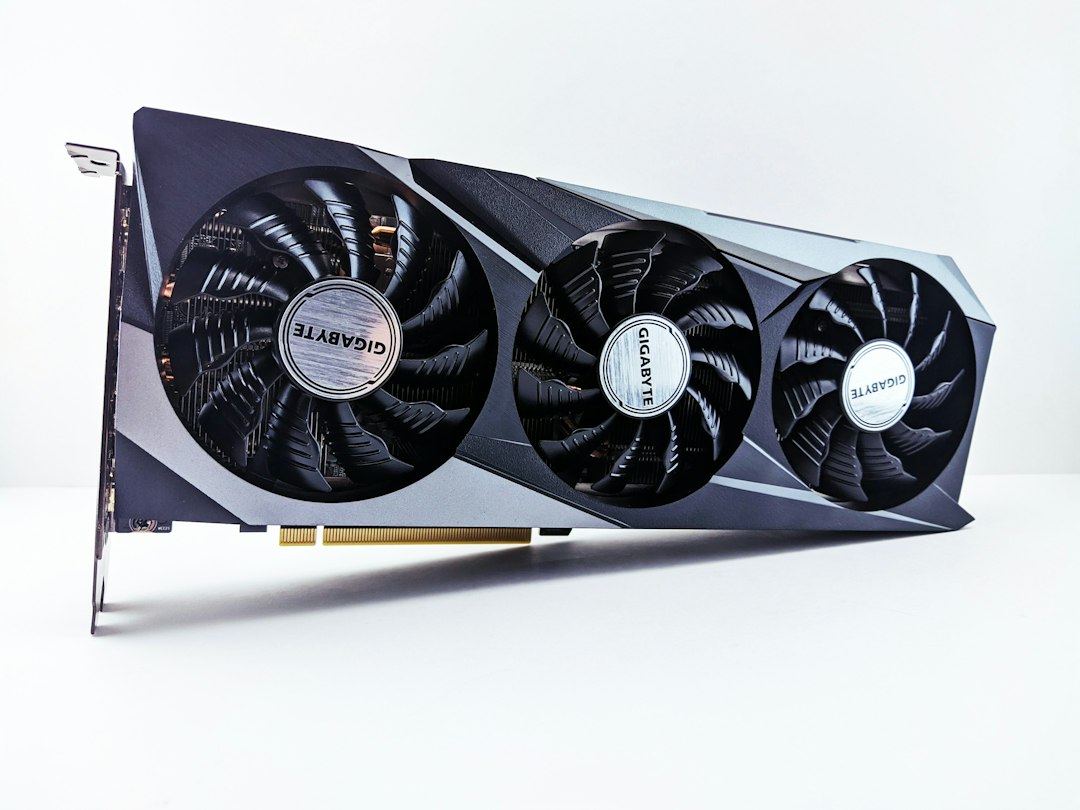
How to Choose the Right Graphics Card for Your Needs
Choosing the right graphics card can be a daunting task, especially with the vast array of options available on the market today. Whether you are a casual gamer, a professional designer, or someone who simply wants to enhance their PC’s performance, understanding the key factors that influence your choice is essential. This guide will walk you through the critical aspects to consider when selecting a graphics card that best suits your needs.
Understand Your Needs
The first step in choosing the right graphics card is to assess your specific needs. Are you looking to play the latest video games at high settings, or do you need a card for graphic design and video editing? Knowing your primary use case will help narrow down your options significantly. For gamers, frame rates and resolution are crucial, while for designers, memory and rendering capabilities may take precedence.
Once you have identified your primary use case, consider the types of applications you will be using. For instance, if you plan to engage in 3D modeling or video editing, a card with higher VRAM will be beneficial. On the other hand, if gaming is your focus, look for cards that support the latest technologies like ray tracing and DLSS for an enhanced experience.
Set a Budget
Establishing a budget is a critical step in the graphics card selection process. Graphics cards can range from budget-friendly options to high-end models that cost several thousand dollars. Determine how much you are willing to spend and stick to that budget to avoid overspending. Remember that while it may be tempting to go for the latest model, there are often excellent mid-range options that provide great performance without breaking the bank.
Additionally, consider the total cost of your build. A powerful graphics card may require a compatible power supply and cooling system, which can add to your overall expenses. Make sure to factor in these additional costs when setting your budget to ensure that you are making a well-informed decision.
Check Compatibility
Before making a purchase, it is essential to ensure that the graphics card is compatible with your existing hardware. Check your motherboard’s specifications to confirm that it has the appropriate PCIe slot for the card you are considering. Additionally, verify that your power supply unit (PSU) can handle the power requirements of the new graphics card.
Another compatibility factor to consider is the physical size of the graphics card. Some high-end models can be quite large, so ensure that your PC case has enough space to accommodate the card. Measure the available space in your case and compare it with the dimensions of the graphics card you are interested in to avoid any installation issues.
Research Performance and Reviews
Once you have narrowed down your options, it is time to research the performance of the graphics cards you are considering. Look for benchmarks and reviews from reputable sources to get an idea of how each card performs in real-world scenarios. Pay attention to factors such as frame rates, thermal performance, and noise levels during operation.
Step-by-step plan:
Step 1: Assess your specific needs based on your primary use case. Step 2: Establish a budget that includes all related costs. Step 3: Check compatibility with your existing hardware. Step 4: Research performance and read reviews to make an informed decision.